
You finish the build. The site’s live, the client’s excited, and you hand everything over. Then the messages start. “How do I add a new blog post?” “Where do I update the slider?” “Can you remind me how to add a product?”
Sound familiar? For most WordPress agencies and freelancers, post-launch support isn’t just a time drain — it’s a profit killer. You’ve already delivered the work, but you’re still doing unpaid support hours because nothing was recorded.
The fix isn’t better documentation PDFs. It’s video — and specifically, it’s video that you don’t have to spend hours editing.
Why written handoffs don’t actually work
PDF guides and text-based documentation feel thorough when you write them. But clients rarely open them, and even when they do, they struggle to match a bullet point to what they’re actually seeing on their screen.
Video is different. Watching someone navigate the WordPress dashboard while explaining it out loud reduces confusion faster than any written guide. Research on instructional design consistently shows that video-based learning outperforms text for procedural tasks — exactly the kind of “how do I do this in WordPress” questions your clients are asking.
The problem has always been production time. Recording, scripting, voicing, editing — for most agencies, that’s 2-4 hours per handoff video. Multiply that across a few clients and it’s not a sustainable workflow.
That’s changed.
What AI-powered tutorial creation actually looks like
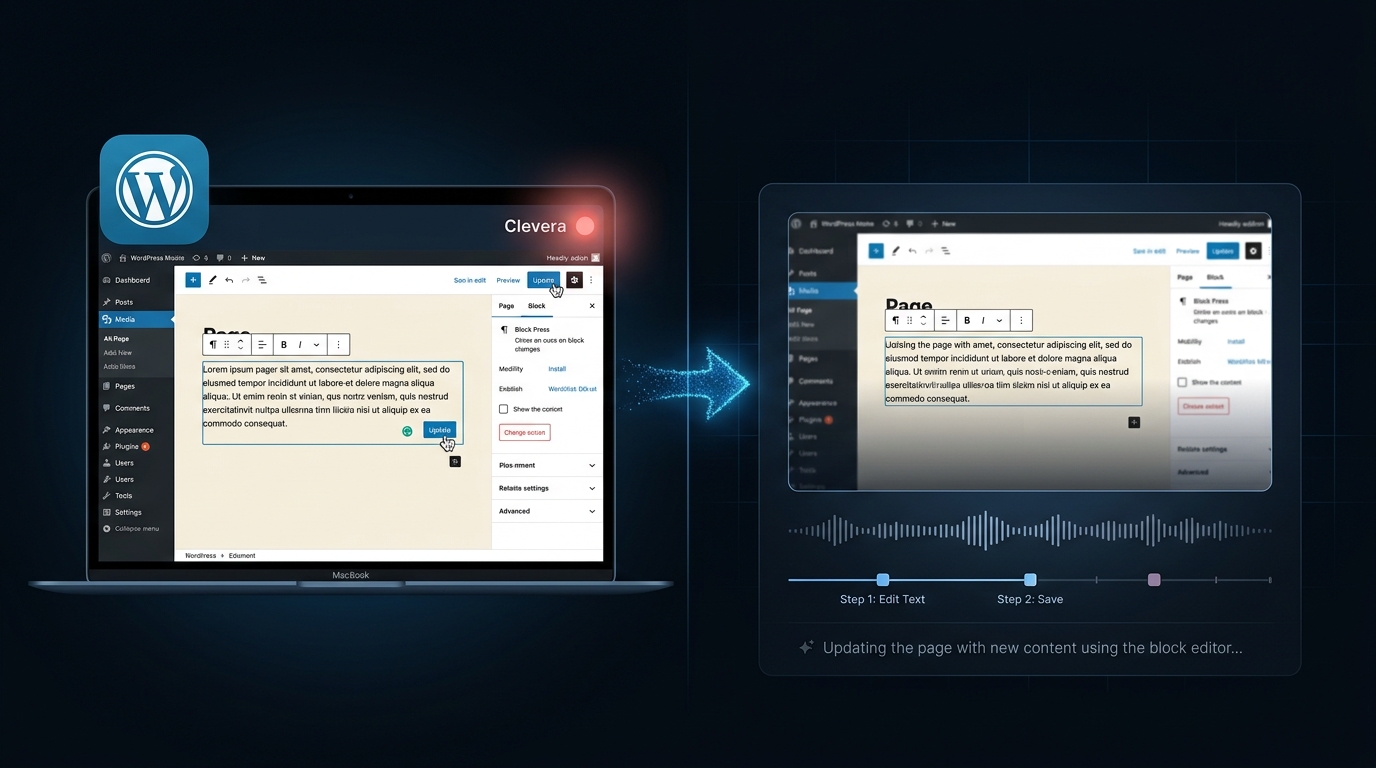
The new approach lives inside a single desktop app. You open Clevera, hit record, and walk through the task you want to show. Clevera captures everything happening on screen, then automatically writes a voiceover script based on your actions, generates a professional narration, and syncs it to the video. You get a polished, narrated tutorial without touching a timeline editor. What used to take 3 hours takes closer to 10 minutes.
This isn’t about replacing quality with speed. It’s about removing the production overhead that was the only reason you weren’t doing this already.
A practical workflow for Jupiter X and WordPress handoffs
Here’s a repeatable process you can use at the end of every project:
Map out the 8-10 things your client actually needs to know
Not everything. Clients don’t need to know how to change the PHP version — they need to know how to update their homepage headline, swap a hero image, and publish a new blog post.
Write a short list of the specific tasks your client will handle themselves. For a typical Jupiter X site, that’s usually:
- Editing text and images on key pages via Elementor
- Publishing and scheduling blog posts
- Updating the navigation menu
- Managing basic WooCommerce products (if applicable)
- Accessing the media library
Keep it to the tasks they’ll actually do in the first month.
Record each task in one unscripted take
Open Clevera on your Mac and hit record. Walk through the task as you normally would — no script, no pressure. Clevera’s built-in recorder captures everything on screen, so you just need to show the process clearly. If you stumble over a sentence, keep going. The AI handles cleanup.
Each recording should be 2-5 minutes. If it’s running longer, the task is probably too broad — split it.
Let Clevera turn the recording into a polished tutorial
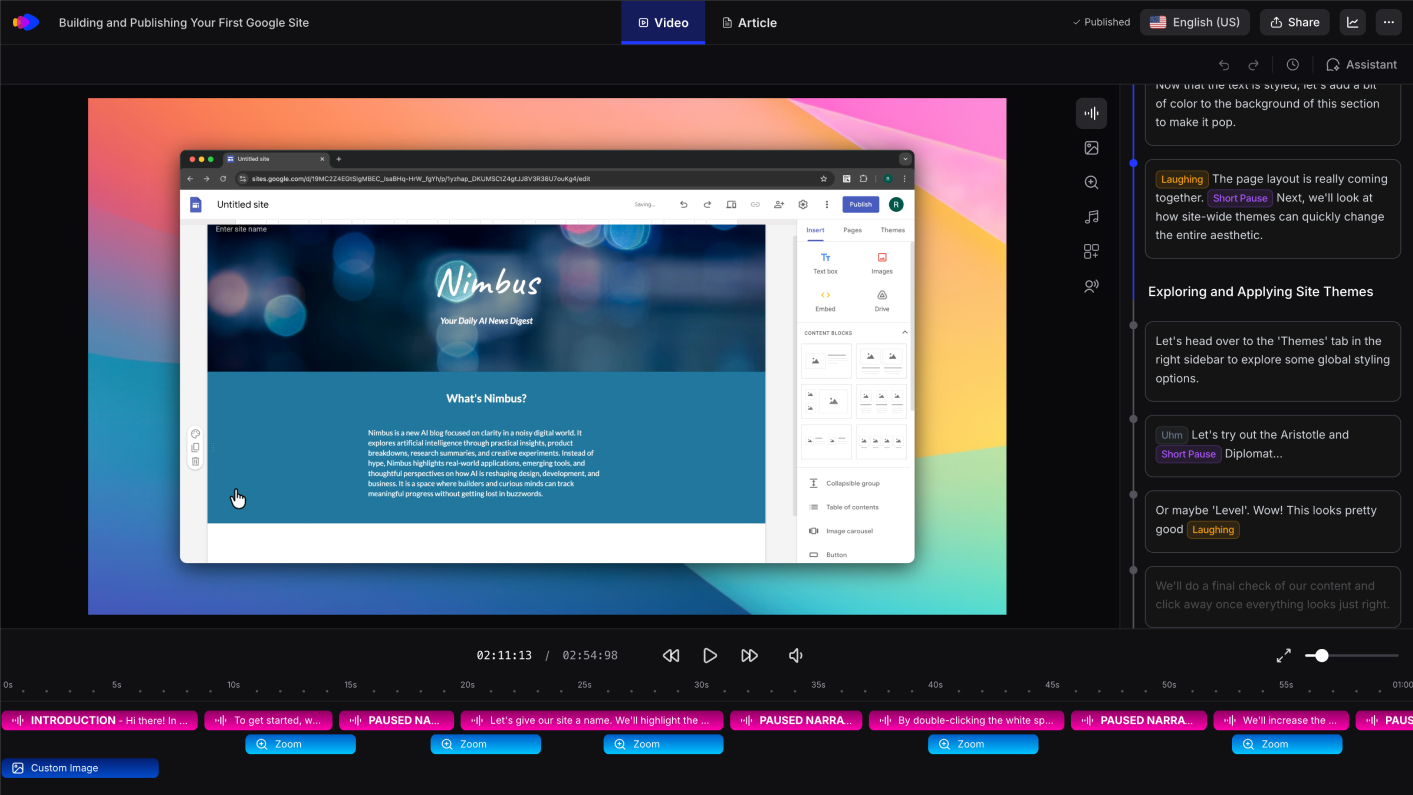
Once you stop recording, Clevera gets to work. It analyzes everything that happened on screen, writes a voiceover script in natural language, picks a voice, and generates a narrated video automatically. You can review and adjust the script before finalizing, but most recordings produce something usable on the first pass.
The result is a professional, narrated tutorial — the kind that would typically require a voiceover artist and a video editor — built directly from a walkthrough you recorded in one take.
Turn the same session into written documentation
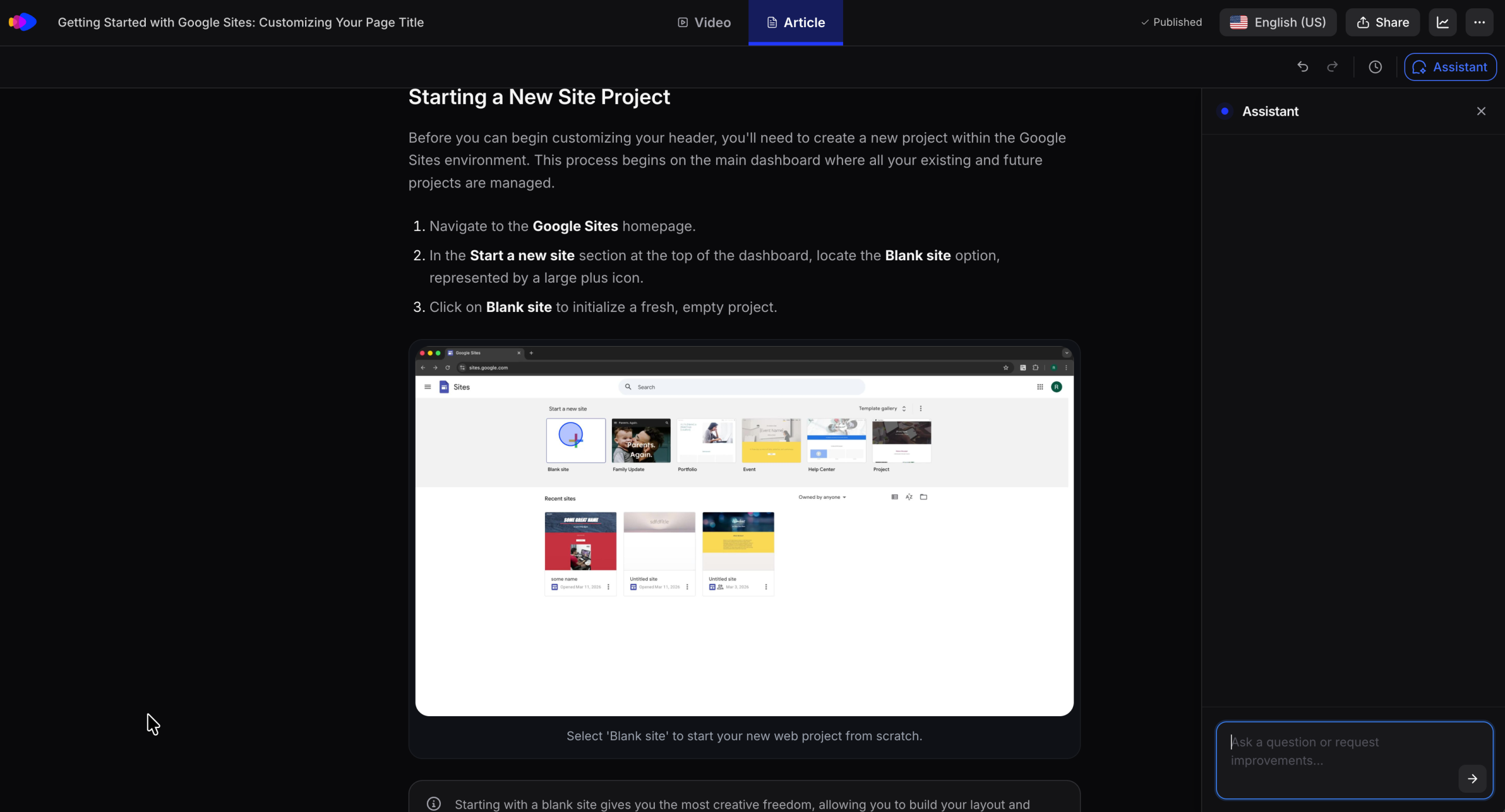
Here’s a multiplier most agencies overlook: the same Clevera session that produces the video can also generate a written step-by-step guide. Clevera’s AI documentation generator converts your recording into a formatted help article with annotated screenshots, ready to paste into Notion, a help center, or a Google Doc.
One 3-minute recording produces both a narrated video tutorial and a written guide. Your clients get the format that suits them best, and you spend the same amount of time you would have spent on just the recording.
Build a demo video for their WooCommerce store
For clients with WooCommerce stores, there’s an additional deliverable worth including: a product demo video for their hero product. A short, narrated video showing what the product does and how to buy it outperforms static images on product pages. Using Clevera’s product demo generator, you record a quick walkthrough of their storefront directly in the app, and Clevera generates a polished narrated demo video your client can embed anywhere.
This is the kind of deliverable that used to cost a client an extra day of your time. Now it’s 15 minutes.
Package everything as a client onboarding kit
A set of tutorial videos is useful. A structured onboarding kit is a deliverable that actually changes how a client feels about working with you.
A good client onboarding kit for a WordPress project includes:
- 8-10 narrated tutorial videos (2-5 min each), organized by task category
- Written step-by-step guides for each task (auto-generated from the same recordings)
- A product demo video if they have an online store
- A simple index page (a Notion doc or a private Google Doc) linking to everything
The whole thing can be assembled in a few hours, even for a complex project. For an approach to structuring customer onboarding content that actually reduces post-launch support requests, the format above — video first, written doc as backup — is consistently what clients respond to best.
What this does for your agency
The obvious benefit is fewer support tickets. Clients who have clear, watchable tutorials handle their own edits. They don’t message you every time they want to swap a photo.
But the bigger benefit is positioning. Agencies that deliver a structured video handoff kit look more professional than agencies that send a PDF or hop on a quick call to explain things. Clients remember it. They refer you because of it.
There’s also a retention angle. When a client wants a new page or feature in six months, they think of the agency that made it easy to understand their own site. That’s usually you.
The time math is simple
If you’re currently spending 2-3 hours per client on post-launch support calls and re-explanation, and a video handoff kit takes 2-3 hours to produce once, the break-even is one avoided support session. Everything after that is margin.
For agencies handling multiple projects a month, a repeatable tutorial production workflow isn’t a nice-to-have. It’s the difference between a scalable business and one where the founder is still answering “how do I add a blog post” at 10pm.
Open Clevera, record the walkthrough, let the AI handle the rest. Hand it over. Move on.



No comment yet, add your voice below!